AeroSports
Registration Tablet System (MAUI + Next.js)
Self-service player registration system using MAUI kiosk tablets and a hosted Next.js interface with NFC wristband scanning.
Form Factor
Tablet kiosk system
Runtime
MAUI Android wrapper
UI
Next.js hosted interface
Hardware
NFC wristband registration
Experience
Self-service onboarding flow
Tech Stack Overview
Grouped by the primary systems, languages, and infrastructure used in this build.
Frameworks
.NET 9 Android, MAUI, Next.js
Libraries
MAUI, React, WebView
Languages
C#, JavaScript, CSS
Hardware
Android tablet, NFC
Supporting Systems
Backend
AeroSports
Registration Tablet System (MAUI + Next.js)
Self-service player registration system using MAUI kiosk tablets and a hosted Next.js interface with NFC wristband scanning.
Form Factor
Tablet kiosk system
Runtime
MAUI Android wrapper
UI
Next.js hosted interface
Hardware
NFC wristband registration
Experience
Self-service onboarding flow
Tech Stack Overview
Grouped by the systems, languages, and supporting layers used in this project.
- Frameworks
- .NET 9 Android, MAUI, Next.js
- Libraries
- MAUI, React, WebView
- Languages
- C#, JavaScript, CSS
- Hardware
- Android tablet, NFC
- Supporting Systems
Overview
The Registration Tablet System allows players to register their NFC wristbands themselves using tablets placed in the facility.
It combines two components:
- a MAUI Android application running on the tablet
- a Next.js web application that provides the UI
The MAUI app runs in kiosk mode and displays the hosted Next.js page inside a webview.
Its primary role is to:
- expose the tablet NFC reader
- pass scanned wristband IDs to the web interface
The Next.js application handles the player interaction and communicates with the backend API to store and retrieve player information.
This system allows customers to register themselves without requiring staff intervention.
Architecture
The registration system runs on Android tablets using a MAUI wrapper that exposes NFC functionality while displaying a hosted Next.js interface in kiosk mode.
Player Registration Flow
The registration UI is designed to be simple enough for players to complete themselves.
Step 1 - Enter email
Players begin by entering their email address.
This email acts as the primary key for the player group.
Step 2 - Detect existing or new account
The system checks if the email already exists.
If the email is new:
- players enter their details
- they can also add children under the same account
If the email already exists:
- the page displays all players associated with that email.
Step 3 - Select player
Each player entry has a scan button beside their name.
Players select the correct profile.
Step 4 - Scan wristband
After selecting the player profile:
- the user taps the scan button
- the tablet waits for an NFC scan
- the wristband is scanned on the tablet
The MAUI application reads the NFC tag and passes the UID to the web interface.
Step 5 - Wristband registration
The wristband is then linked to the selected player profile through the API.
After registration, the player is ready to use the wristband for gameplay.
Interface Evolution
The first version of this system was not tablet-based.
It was a WinForms desktop application that used a WebForms UI.
While functional, it had several limitations:
- the UI felt outdated
- the experience was not optimized for touch interaction
- the physical setup was not ideal for customer-facing use
To improve the experience, we redesigned the system around tablets.
The new architecture included:
- MAUI Android application
- Next.js hosted UI
The tablet runs the MAUI application in kiosk mode, while the Next.js page provides the interactive interface.
This made the system easier to update because the UI could be changed centrally on the server without reinstalling the tablet applications.
Challenges
1. First Android application for the facility
This was one of the first Android applications used in the facility. While MAUI development felt similar to WPF, there was still an adjustment peri...
This was one of the first Android applications used in the facility.
While MAUI development felt similar to WPF, there was still an adjustment period working with mobile-specific behaviors.
2. Converting tablets into kiosk systems
Turning tablets into proper kiosk devices was more difficult than expected. We had to: Once we successfully configured the first tablet, we documen...
3. Device setup and installation
Installing and configuring the application on each tablet was also timeconsuming. Each device required: Proper documentation became essential so th...
4. Evaluating mobile development frameworks
At one point we questioned whether MAUI was the best framework for the job. However, research showed that mobile development itself is generally ti...
My Contribution
I was fully responsible for this system.
I chose to take ownership of the project because:
- I had already worked on the previous desktop version
- I did not want other team members to spend time dealing with the mobile setup challenges
My responsibilities included:
- designing the tablet-based architecture
- building the MAUI Android wrapper
- developing the Next.js registration UI
- integrating NFC scanning with the web interface
- configuring tablets into kiosk devices
- documenting installation and setup procedures
The web portion of this system was also the first web application I built for the company, which later led to me being hired to build more web-based systems for the platform.
Tech Used
Core technologies
 Next.js
 React
React TypeScript
 Android
Supporting technologies
 .NET
.NETRelated Projects
Other projects from the same platform and codebase.
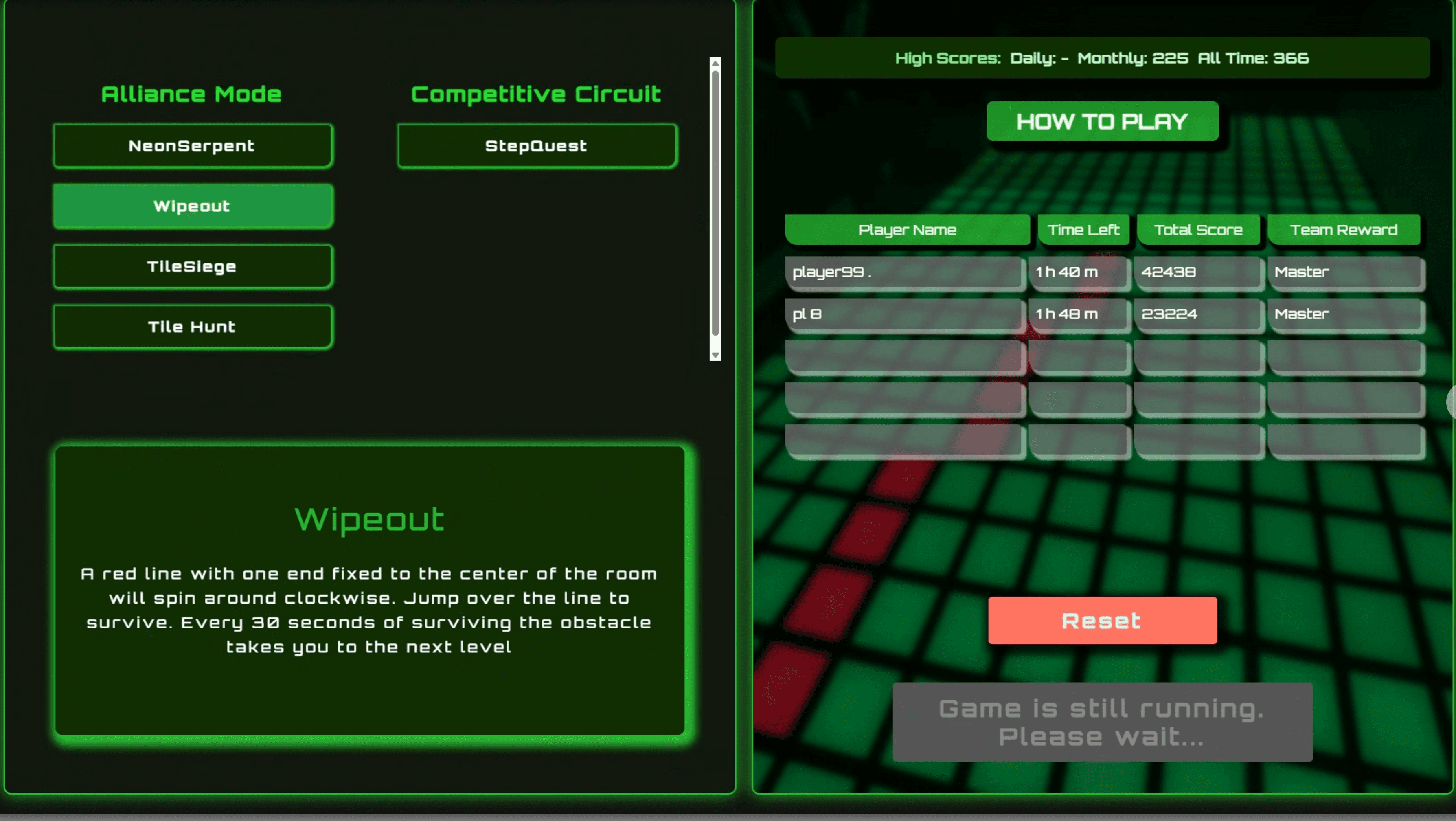
Kiosk Host & Room Control (.NET WebView)

WinForms orchestration layer between the Kiosk UI, Scorecard UI, Game Engine, backend API, and room hardware.
 WCPUS
WCPUS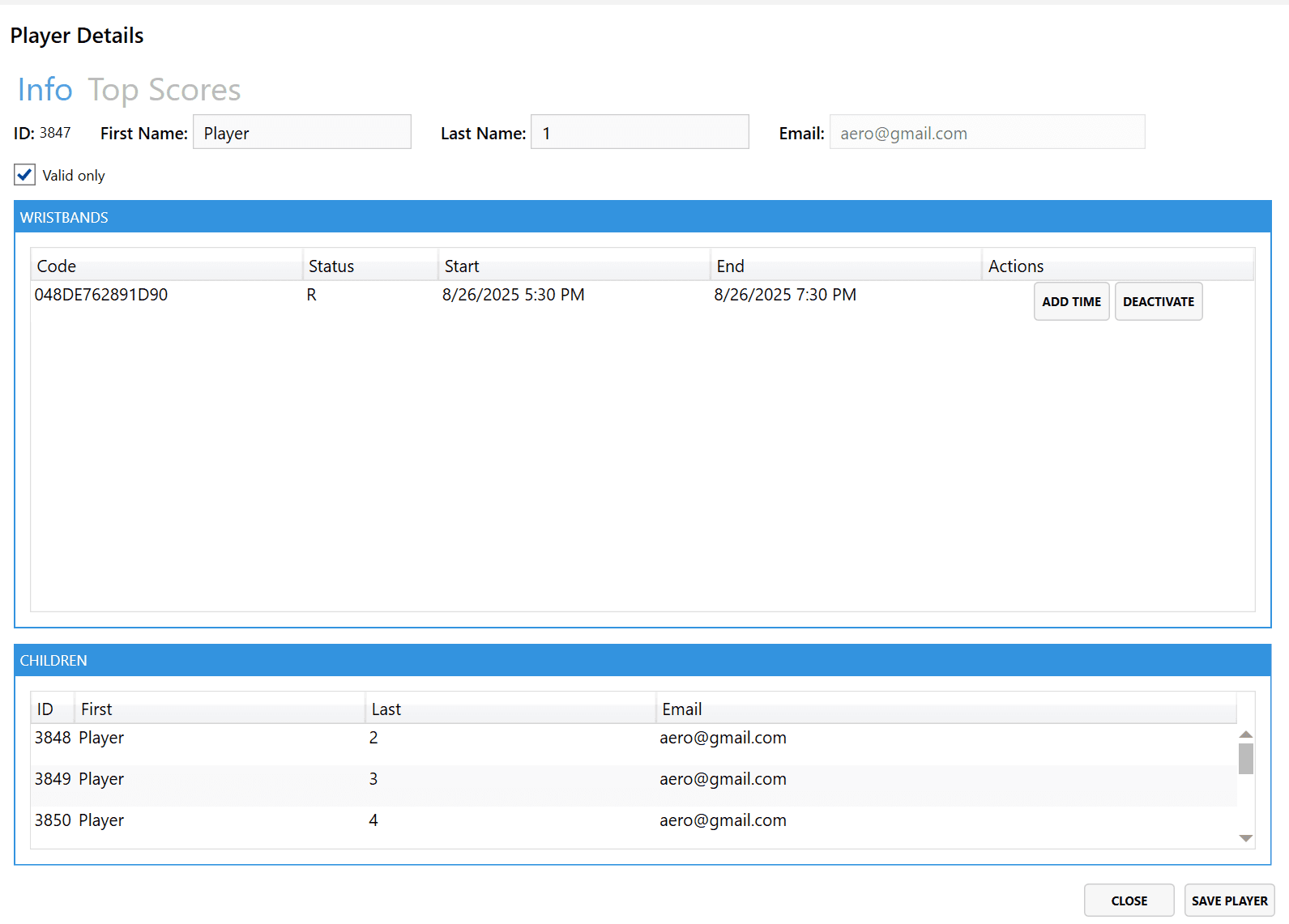
POS & Wristband Management (WPF)
Staff-facing WPF application for initializing, registering, renewing, and managing NFC wristbands and player records through the backend API.
WXNA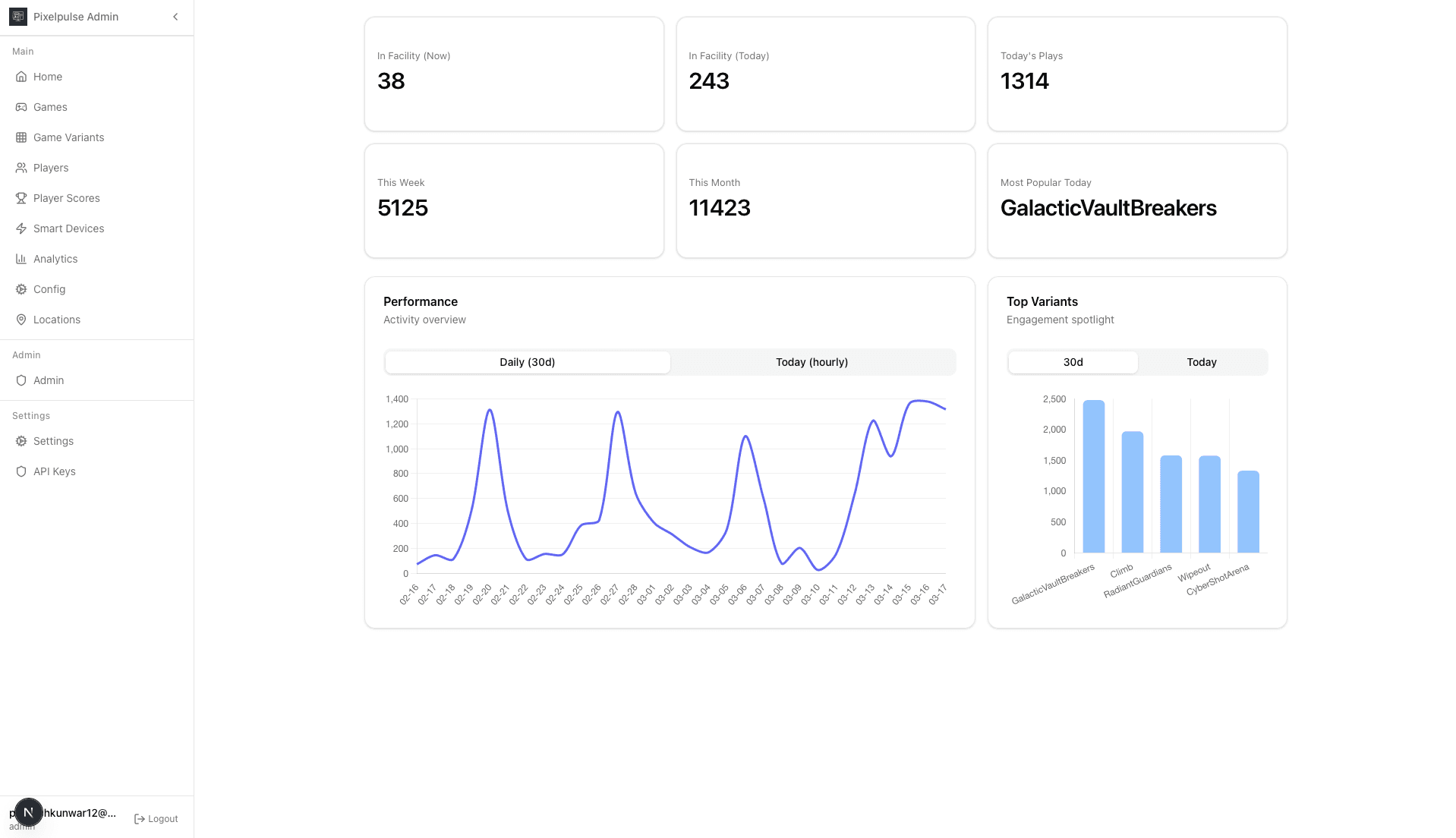
Admin Portal (Platform Control & Analytics)
Centralized web platform for managing games, players, analytics, smart devices, and documentation with authentication and role-based access control.
JAC/A