AeroSports
Admin Portal (Platform Control & Analytics)
Centralized web platform for managing games, players, analytics, smart devices, and documentation with authentication and role-based access control.
Stack
Next.js admin platform
Security
JWT + role-based access
Control
Game + player + config management
Automation
Smart device operations
Insights
Analytics dashboards
Tech Stack Overview
Grouped by the primary systems, languages, and infrastructure used in this build.
Frameworks
Next.js
Libraries
React, Tailwind, shadcn/ui, Radix UI, Chart.js
Languages
TypeScript, JavaScript
Supporting Systems
Backend
AeroSports
Admin Portal (Platform Control & Analytics)
Centralized web platform for managing games, players, analytics, smart devices, and documentation with authentication and role-based access control.
Stack
Next.js admin platform
Security
JWT + role-based access
Control
Game + player + config management
Automation
Smart device operations
Insights
Analytics dashboards
Tech Stack Overview
Grouped by the systems, languages, and supporting layers used in this project.
- Frameworks
- Next.js
- Libraries
- React, Tailwind, shadcn/ui, Radix UI, Chart.js
- Languages
- TypeScript, JavaScript
- Supporting Systems
Connects to backend services for administration, analytics, and room operations.
Overview
The Admin Portal is a centralized web platform used to manage almost every operational aspect of the facility.
It started as a simple internal tool for developers to:
- modify game settings
- update game variants
- avoid directly working with the database
Over time, it evolved into a full platform that supports:
- game configuration
- player data management
- analytics and reporting
- smart device control and automation
- internal documentation and troubleshooting guides
It is built using Next.js and communicates with the backend through a secured API.
Architecture
The admin portal is a frontend application hosted on the server that interacts with a secured backend API. All database operations, authentication, and smart device control are handled through the API.
Core Modules
The admin portal eventually became a multi-module system.
1. Game Management
Allows developers/admins to:
- create new games and variants
- modify game descriptions
- adjust time, levels, and difficulty
- update game-specific configurations
This removed the need to directly modify database tables.
2. Player Management
Includes a full player table with the ability to:
- view player records
- update player details
- manage wristband-related data
3. Config Management
Stores system-level configurations such as:
- game parameters
- feature flags
- environment-related settings
4. Smart Device Control
Once smart switches and automation were introduced, we added:
- control of smart devices from the portal
- scheduling and automation settings
- manual override capabilities
Important note: All device logic is handled in the API, not the frontend.
The admin portal only:
- updates settings
- triggers API actions
5. Analytics Dashboard
Later, analytics became one of the most valuable parts of the portal.
It allowed:
- tracking number of players
- analyzing game performance
- monitoring usage trends
This removed the need to run SQL queries manually and made insights accessible to managers and owners.
6. Documentation & Manuals
I added a dedicated documentation section that includes:
- game room details
- device explanations
- troubleshooting steps
- FAQs
This turned the portal into a knowledge base for staff and developers.
Workflow
Step 1
Authentication
When a user opens the portal:
- User enters username and password
- Request is sent to the API
- API validates:
- credentials
- request origin (IP / CORS checks)
If valid:
- API returns a JWT token
- user is logged in
Step 2
Authorization
Access is role-based.
-
Developers / Admins
-
full access
-
game configuration
-
device control
-
system settings
-
Staff / Managers
-
limited access
-
player management
-
documentation
-
selected device controls
Users only see the sections they are authorized to access.
Step 3
Data flow
- Admin UI sends requests to API
- API processes:
- authentication
- authorization
- database operations
- device actions
- Response is returned to the UI
This keeps all sensitive logic out of the frontend.
Interface Evolution
Phase 1 - Developer tool
The portal started as a simple internal tool for developers. It allowed: At this stage:
The portal started as a simple internal tool for developers.
It allowed:
- editing game tables
- modifying configurations
- creating new game variants quickly
At this stage:
- no authentication
- no polished UI
- only used by developers
Phase 2 - Expanding data control
We added: The portal became more useful for managing data across the system.
Phase 3 - Smart device integration
When smart switches and automation were introduced:
Phase 4 - Multi-user platform
We wanted managers and staff to use the portal. This required: Instead of patching the old system, we rebuilt it as a new project while keeping pre...
Phase 5 - Analytics and documentation
The final major upgrades included: At this point, the portal had evolved into a full operational platform.
Challenges
1. Tight coupling with API and database
This project needed strong alignment with the backend. Any change in: required updates in the portal. Maintaining consistency across all layers was...
This project needed strong alignment with the backend.
Any change in:
- database schema
- API endpoints
required updates in the portal.
Maintaining consistency across all layers was critical.
2. Smart device integration
Integrating smart device control into a frontenddriven system was tricky. Initially, handling device logic directly in the frontend was: The soluti...
3. Authentication and authorization redesign
Adding authentication and authorization into an existing system was complex. We decided to:
4. Analytics implementation
Adding analytics was both challenging and rewarding. We needed to: This replaced manual SQL queries with visual insights.
My Contribution
This project evolved alongside the entire AeroSports system, and I played a major role throughout its lifecycle.
My contributions included:
- building and evolving the initial developer tool
- designing workflows for game and configuration management
- guiding the transition into a multi-user platform
- working with the team to rebuild the portal with authentication and improved UI
- integrating smart device control through API design decisions
- adding a full documentation section with system knowledge, guides, and troubleshooting
- supporting analytics integration and making the platform useful for managers and owners
This project reflects both my technical work and my role in shaping the system as it scaled.
Tech Used
Core technologies
 Next.js
 React
React TypeScript
Supporting technologies
Related Projects
Other projects from the same platform and codebase.
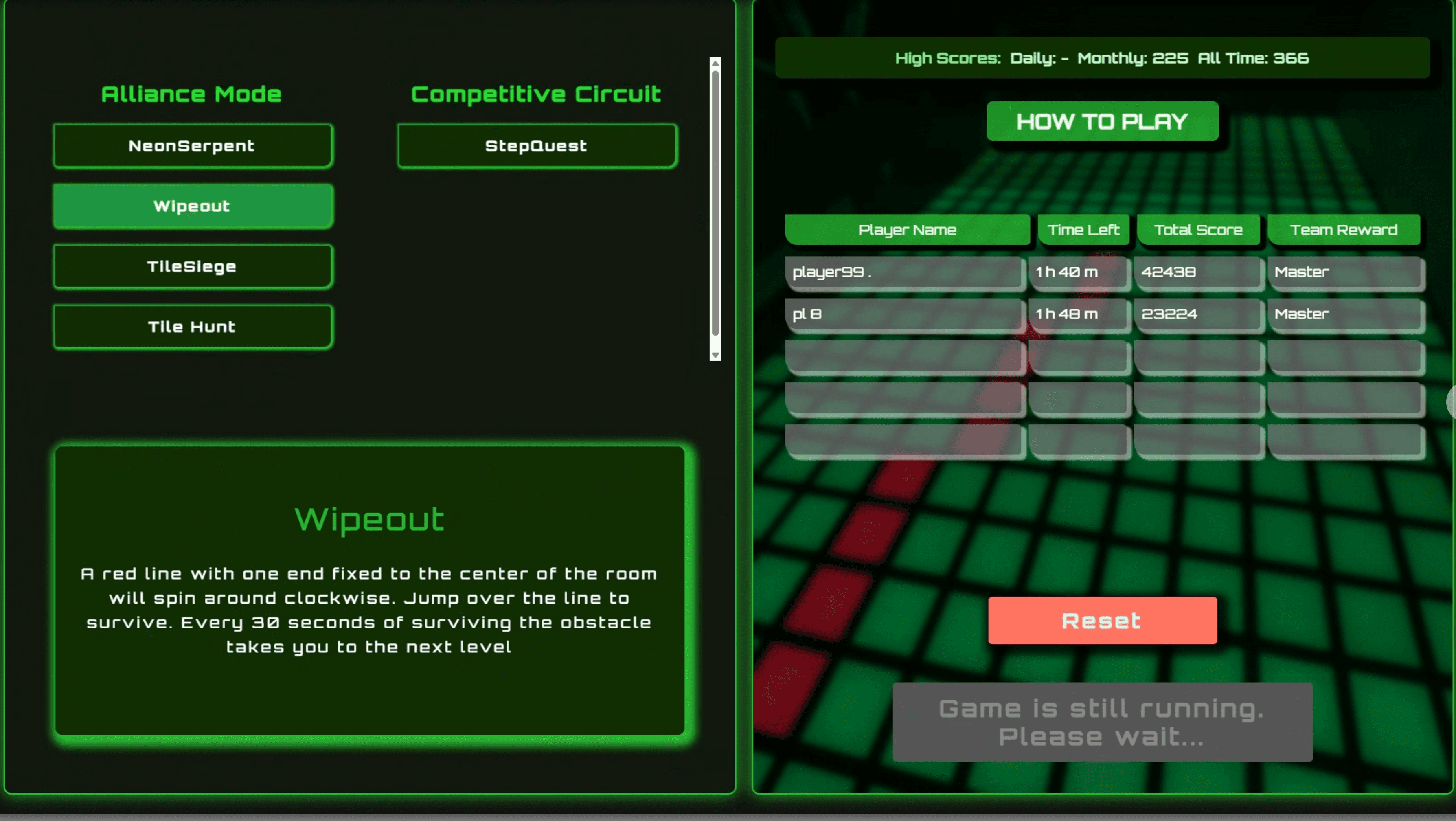
Kiosk Host & Room Control (.NET WebView)

WinForms orchestration layer between the Kiosk UI, Scorecard UI, Game Engine, backend API, and room hardware.

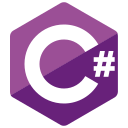 WCPUS
WCPUS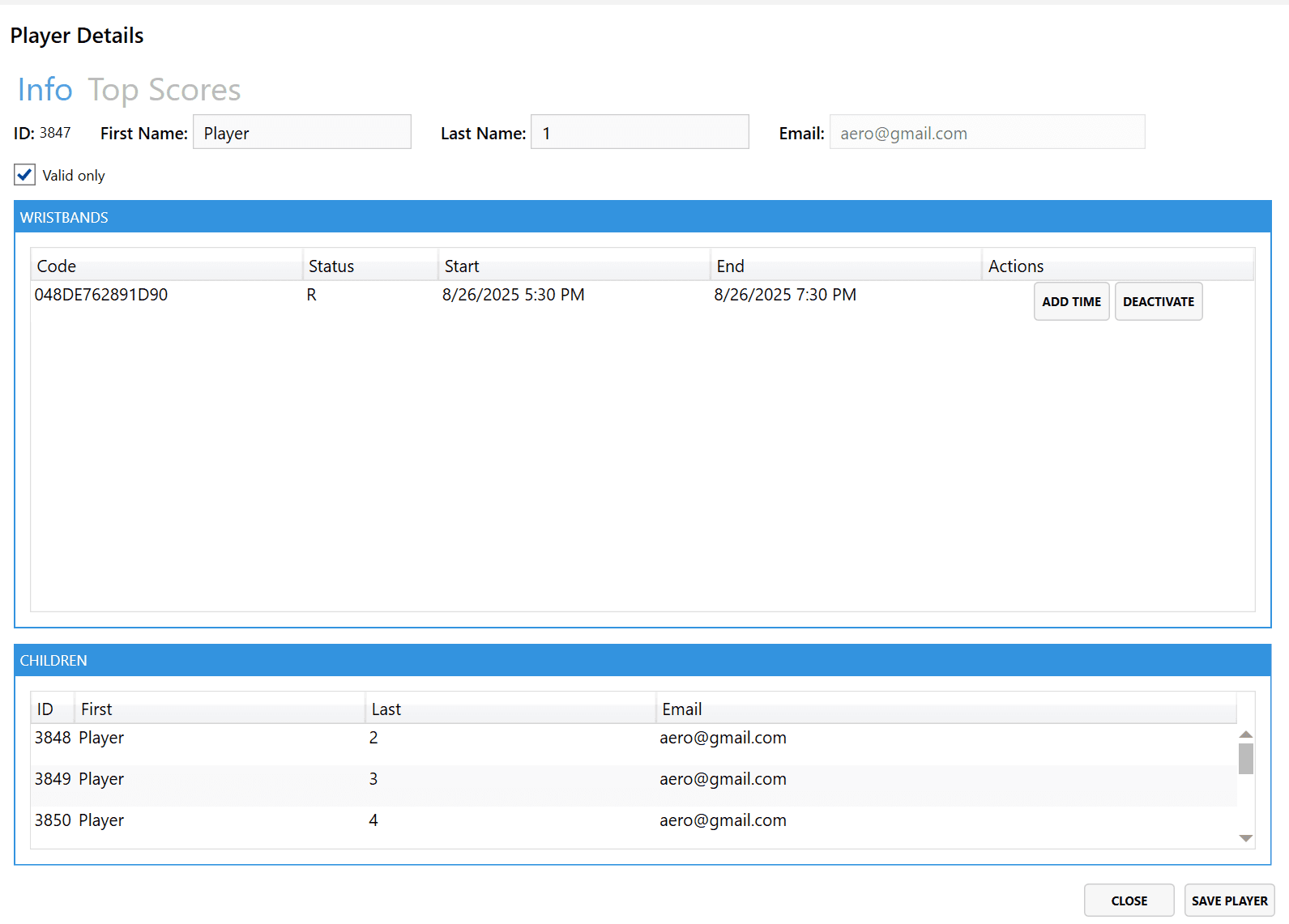
POS & Wristband Management (WPF)
Staff-facing WPF application for initializing, registering, renewing, and managing NFC wristbands and player records through the backend API.
WXNA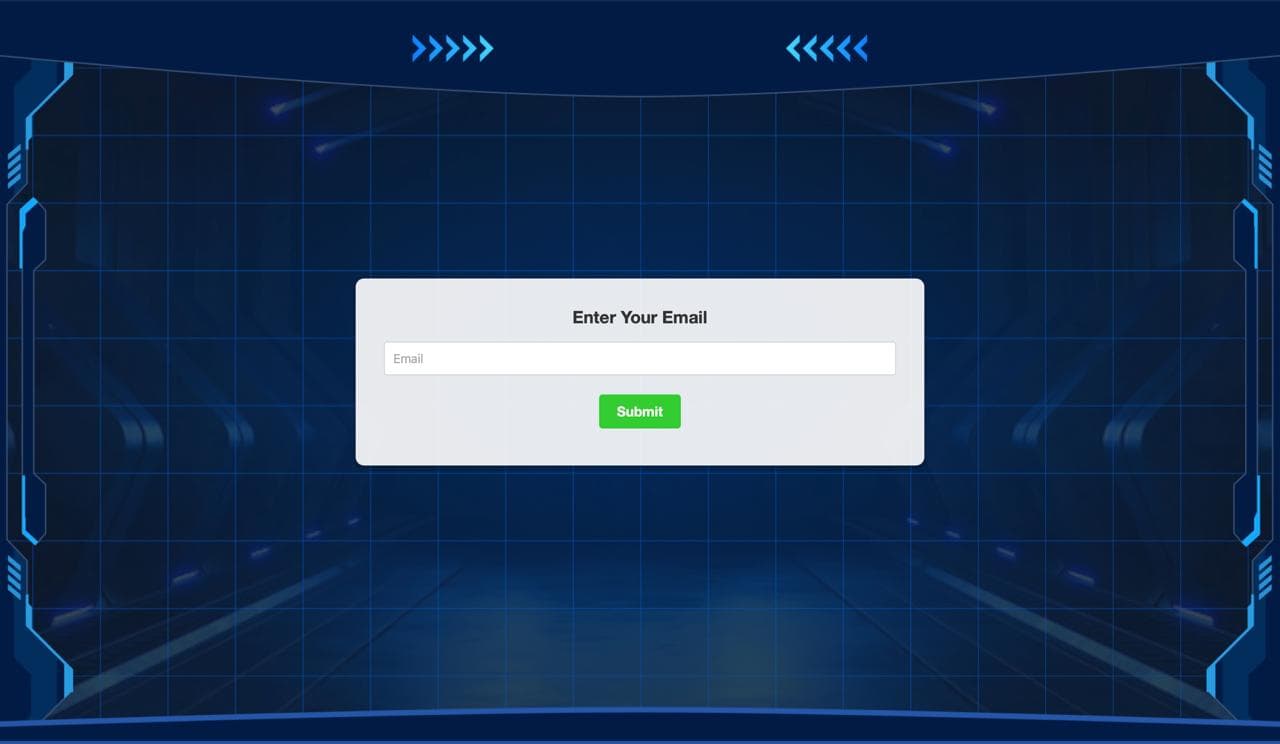
Registration Tablet System (MAUI + Next.js)
Self-service player registration system using MAUI kiosk tablets and a hosted Next.js interface with NFC wristband scanning.
 M+2
M+2