AeroSports
Room Devices & Common Room Infrastructure
Shared room-level device and communication infrastructure for displays, audio, wristband scanning, restart controls, door locks, and controller connectivity across interactive game rooms.
Scope
Shared room device layer
Connectivity
USB + COM + Ethernet
Recovery
Automatic COM reassignment
Resilience
Watchdog-assisted recovery
Ownership
Software + hardware integration
Tech Stack Overview
Grouped by the primary systems, languages, and infrastructure used in this build.
Frameworks
.NET 8 Shared Library, Arduino
Languages
C++, C#, PowerShell
Hardware
2 monitors with HDMI splitter, Sound system, Handscanner, Restart button, NO/NC doorlock, SRD chip
AeroSports
Room Devices & Common Room Infrastructure
Shared room-level device and communication infrastructure for displays, audio, wristband scanning, restart controls, door locks, and controller connectivity across interactive game rooms.
Scope
Shared room device layer
Connectivity
USB + COM + Ethernet
Recovery
Automatic COM reassignment
Resilience
Watchdog-assisted recovery
Ownership
Software + hardware integration
Tech Stack Overview
Grouped by the systems, languages, and supporting layers used in this project.
- Frameworks
- .NET 8 Shared Library, Arduino
- Languages
- C++, C#, PowerShell
- Hardware
- 2 monitors with HDMI splitter, Sound system, Handscanner, Restart button, NO/NC doorlock, SRD chip
Provides room-level power, display, access, and peripheral device control.
Overview
Except for the kiosk PC, game sensors, and game controllers, each room also depends on a set of shared operational devices required for the room to function properly.
These room-level devices include:
- 2 monitors in each room
- one for the scorecard
- one for the display screen
- HDMI splitter connected to the kiosk PC
- full surround sound system connected via USB
- hand scanner connected via USB
- Ethernet connection from controllers or from a network switch that connects multiple controllers
- USB connections from custom Arduino controllers
- SRD chip controlling the NO/NC door lock through USB/COM communication
These devices are present in all rooms and are connected to the room's kiosk PC.
This project had both:
- a software integration side
- a hardware / wiring / physical installation side
The result was a reusable room infrastructure layer that allowed different rooms to share a common runtime pattern while still supporting very different game mechanics.
Architecture
Shared room devices connect into the kiosk PC through a reusable communication layer that is used by the kiosk host, game engine, simulators, watchdog tools, and other runtime utilities.
Common Room Devices
Each room used a common base hardware setup on top of the room-specific controllers and game sensors.
Displays
- one monitor for scorecard
- one monitor for display
- both connected through an HDMI splitter routed into the kiosk PC
Audio
- a full surround sound system connected via USB
- replaced earlier simpler speaker setups
Wristband Hand Scanner
- connected via USB / COM
- contains an Arduino-based controller
- reads NFC wristband UID
- also receives color-control requests from the kiosk
Restart Button
- behaves similarly to the hand scanner
- sends a signal when pressed while restart is active
- also receives color requests
Door Lock
- controlled through an SRD chip
- used to operate NO/NC door locks
- communication and wiring were based on the chip's preprogrammed protocol and guide
Controller Connectivity
- Ethernet cables connected controllers directly to the room PC or to a switch
- some rooms used custom Arduino USB devices
- some rooms used multiple controllers simultaneously
Software Flow
Architecture-wise, these devices connect into the kiosk PC and are then accessed by multiple software systems such as:
- Kiosk Host
- Game Engine
- Simulators
- Watchdog scripts
- other room tools as required
To avoid duplicating device communication logic, we created a shared .NET communication library for room devices.
This library was used by multiple applications to communicate with the hardware consistently.
Device examples
SRD chip (door lock)
The SRD chip was preprogrammed and came with:
- a command guide for COM-port communication
- a wiring guide
The shared software layer sent the required serial commands to control the NO/NC lock behavior.
Wristband scanner
The hand scanner used an Arduino-based board we programmed to:
- read NFC wristband UID
- return scan results to the kiosk
- receive color commands from the kiosk
Restart button
The restart button used the same communication philosophy:
- sends button press state when active
- receives color/control requests from the host
This shared library approach made it easier to integrate the same devices into multiple parts of the system without reimplementing the protocols every time.
Interface Evolution
The room infrastructure evolved significantly as the facility expanded.
Early stage
Initially we only had:
Initially we only had:
- a preprogrammed hand scanner
- its existing library to read UID
- 2 screens
- simpler speakers instead of full sound systems
- no restart button
- one controller per room was enough
Expansion stage
In the new facility, the device layer became much richer. We added: Examples: We also added automatic smoke control in the Laser room using a smart...
Challenges
1. COM port instability and automatic device identification
One of the first major problems was handling all the USB/COMconnected room devices. Initially, we hardcoded COM port numbers. That worked only temp...
One of the first major problems was handling all the USB/COM-connected room devices.
Initially, we hard-coded COM port numbers.
That worked only temporarily, because after restarts or device changes:
- COM ports would shift
- the room would fail
- we had to manually reconfigure the ports again
To solve this, we introduced an acknowledgement-based identification system.
All Arduino-controlled devices (such as:
- hand scanner
- restart button
- custom game controllers)
were programmed with an acknowledgement command.
When queried, they would return their device name.
Then the kiosk application would:
- scan available COM ports
- send the acknowledgement command
- identify each device automatically
- assign the correct COM port dynamically
This made the room far more resilient to port reassignments after restarts.
2. Hardware selection and physical infrastructure
Another large challenge was on the hardware side: This was not just a software problem it required practical device and infrastructure decisions fo...
3. Mid-session disconnects and runtime recovery
Another major issue was device disconnection during active sessions or during the day. Problems included: To improve reliability, we added a watchd...
My Contribution
I was involved in both the software and hardware sides of this system.
Hardware / infrastructure
I was responsible for helping decide:
- which devices and wiring should be used
- what hardware needed to be ordered
- inventory management
- room-level wiring diagrams
- hardware layout plans for each room
I prepared those layouts and diagrams for the:
- construction team
- electrician team
Software integration
On the software side, I made sure the devices were integrated cleanly into the room software stack.
This included:
- reliable device communication
- automatic COM assignment logic
- protocol handling for shared room devices
- watchdog-assisted runtime reliability
I also worked with the team to add the watchdog system that helped verify whether the room was healthy and functioning correctly.
Tech Used
Core technologies
 .NET
.NET C#
C# Arduino
 PowerShell
Supporting technologies
Related Projects
Other projects from the same platform and codebase.
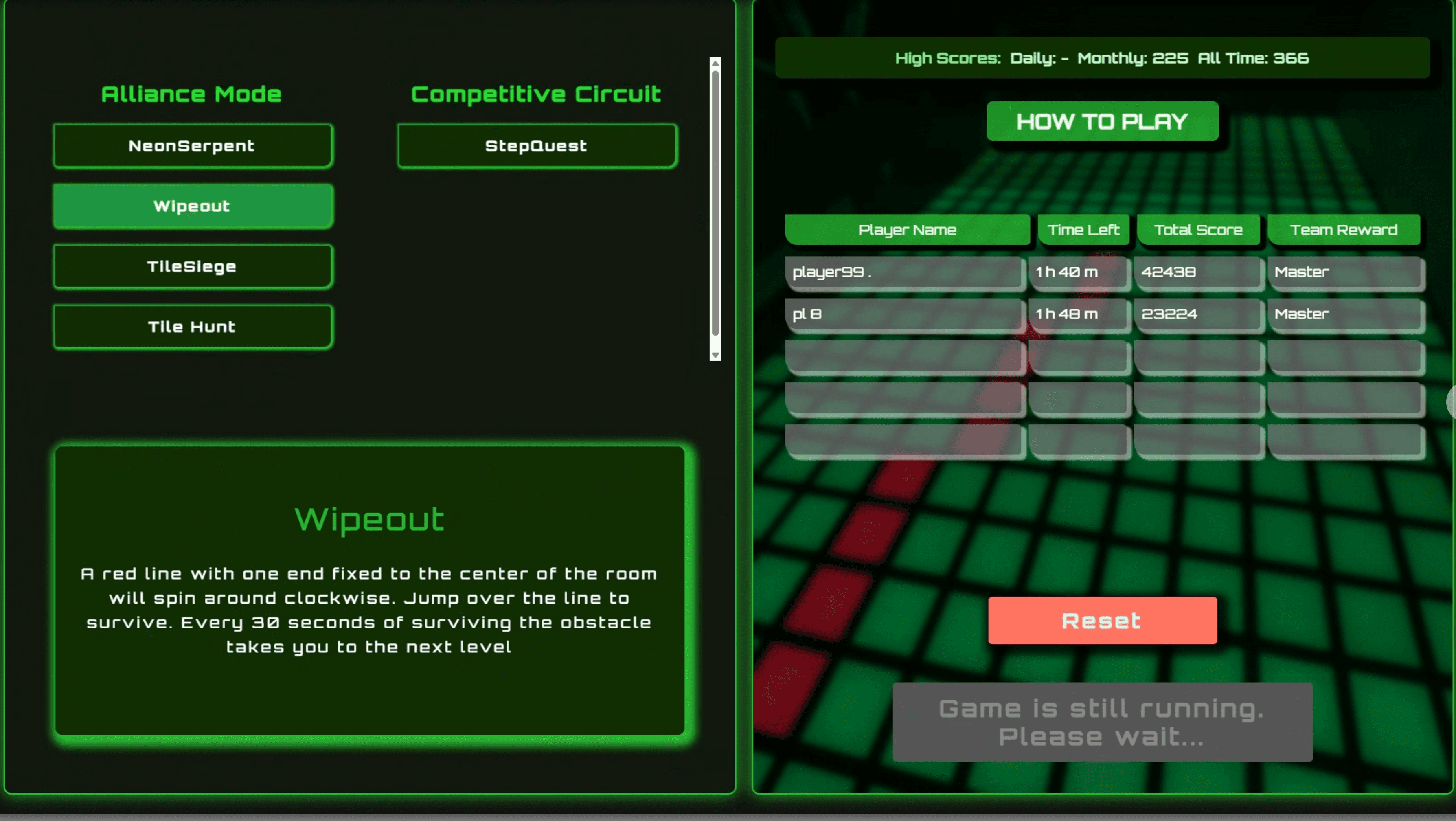
Kiosk Host & Room Control (.NET WebView)

WinForms orchestration layer between the Kiosk UI, Scorecard UI, Game Engine, backend API, and room hardware.
WCPUS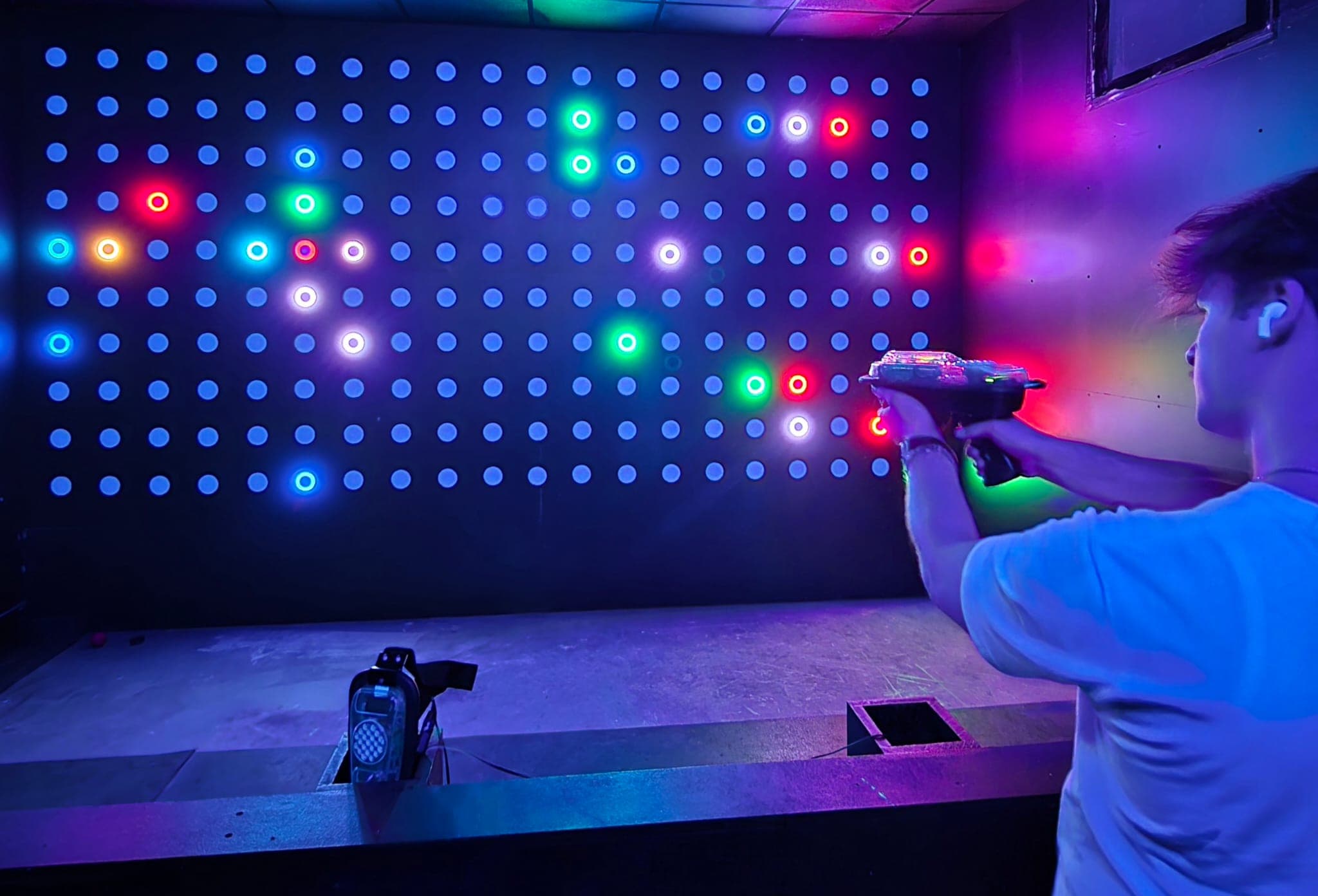
Game Engine (.NET Console Runtime)
Realtime .NET runtime that launches game variants, manages controller communication, executes game logic, and coordinates restart flow with the kiosk system.
SRE+1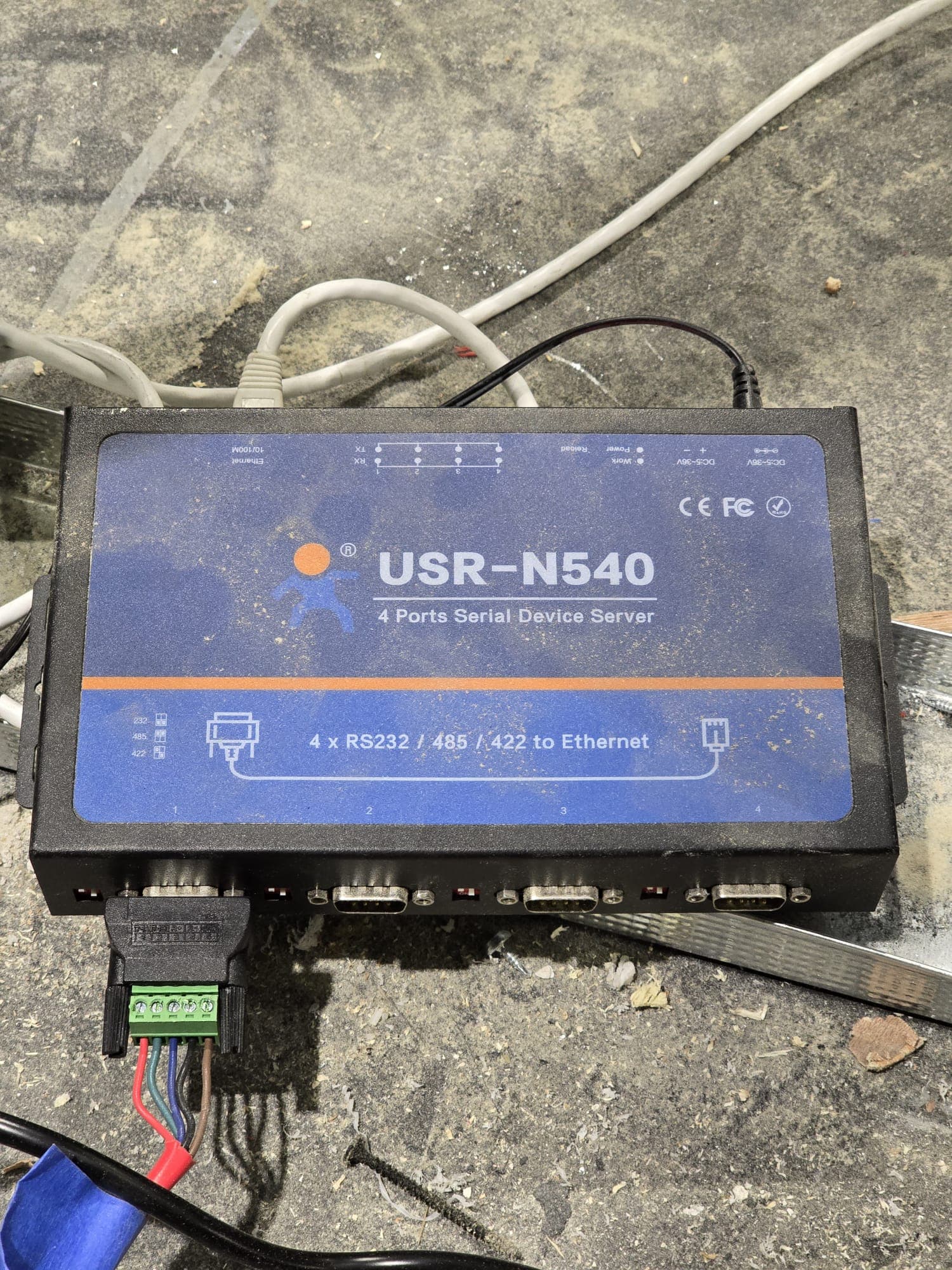
Game Controllers & Sensor Network
Realtime controller and sensor network powering gameplay interactions across rooms, from USR RS422-over-Ethernet systems to custom Arduino and ESP-based controller stacks.
 SREE+2